Quick answer: NVIDIA is still the clear winner for AI workloads in 2026. CUDA’s ecosystem dominance, better framework support, and faster tensor core performance make it the safer and faster choice for almost every AI use case.
Check NVIDIA GeForce RTX 5080 on Amazon→Buy on Shopee SG→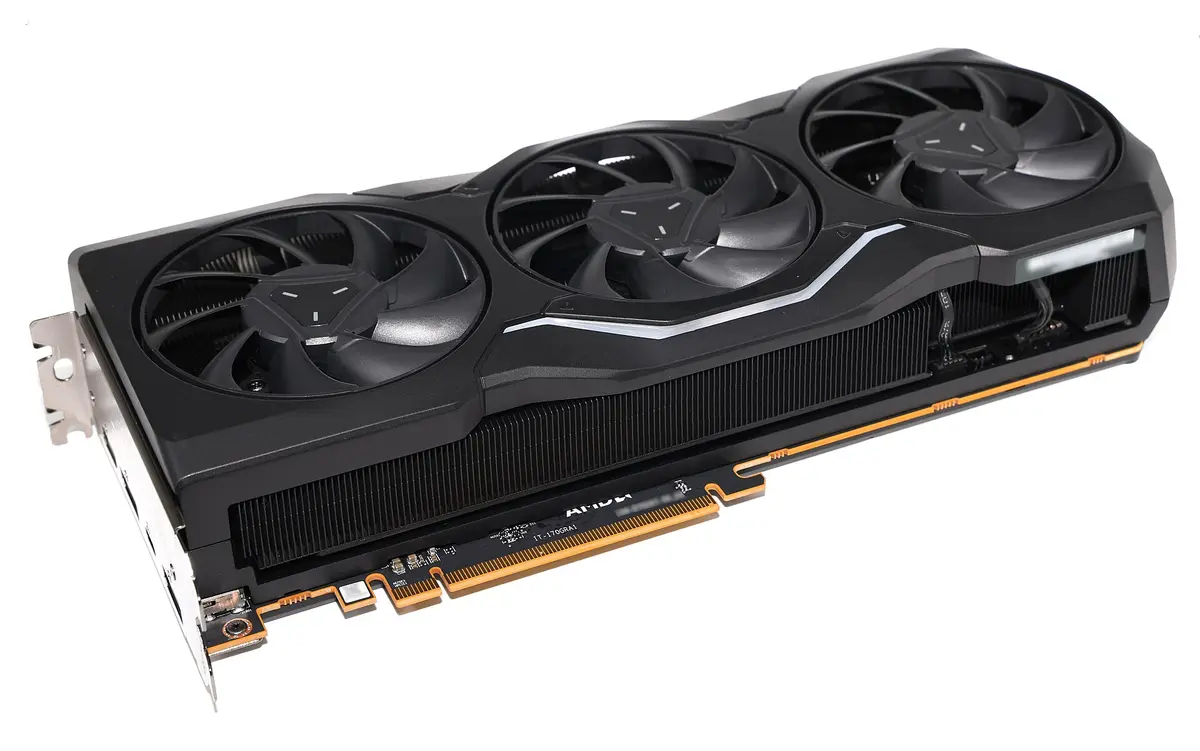
The ecosystem gap
The NVIDIA vs AMD debate for AI is not really about raw hardware specs — it is about software. CUDA has been the foundation of GPU-accelerated computing for over 15 years. Every major framework (PyTorch, TensorFlow, JAX), every popular tool (ComfyUI, llama.cpp, vLLM), and virtually every tutorial and troubleshooting guide assumes CUDA.
AMD’s ROCm has improved significantly, but it still trails in three critical areas:
- Framework support: PyTorch works on ROCm, but many extensions and custom CUDA kernels do not. TensorFlow’s ROCm support is less actively maintained.
- Tooling: Profilers, debuggers, and optimization tools are more mature on CUDA.
- Community: When something breaks, you will find 50 CUDA solutions for every 1 ROCm answer on Stack Overflow.
Hardware comparison
| Spec | RTX 5080 (NVIDIA) | RX 9070 XT (AMD) | RTX 5070 Ti (NVIDIA) |
|---|---|---|---|
| VRAM | 16 GB GDDR7 | 16 GB GDDR6 | 16 GB GDDR7 |
| Memory bandwidth | 960 GB/s | 640 GB/s | 896 GB/s |
| Matrix engines | Yes (5th-gen tensor cores) | Yes (128 AI accelerators) | Yes (5th-gen tensor cores) |
| Low-precision matrix | FP4, FP8, INT8 | FP8 389 TFLOPs, INT4 779 TOPs | FP4, FP8, INT8 |
| Software stack | CUDA 13 | ROCm 7.x | CUDA 13 |
| Est. price | ~$1,400 | ~$550 | ~$1,050 |
Bandwidth and the AMD matrix figures are manufacturer specifications — AMD’s RX 9070 XT product page and NVIDIA’s GeForce comparison — which is why they carry no tilde. The prices do: they are street prices and they move.
One row is worth pausing on, because this page used to get it wrong. RDNA 4 is not a generation without matrix hardware: AMD lists 128 AI accelerators on the 9070 XT, with FP8 and INT4 matrix throughput published alongside. The gap to Blackwell is narrower than “AMD has no tensor cores”, and it is a software gap far more than a silicon one.
Where AMD can compete
AMD is not without merit. The RX 7800 XT and RX 9070 XT offer good VRAM at competitive prices, and basic inference tasks (running LLMs via llama.cpp with Vulkan or ROCm) work reasonably well. If you primarily run models through tools that have explicit AMD support and you are comfortable troubleshooting, AMD can save you money. For a hands-on look at where the RX 7800 XT succeeds and fails for AI, see our RX 7800 XT AI compatibility guide.
Specific areas where AMD is viable:
- llama.cpp inference with Vulkan backend
- Basic Stable Diffusion via DirectML or ROCm
- ONNX Runtime workloads with ROCm support
Where NVIDIA dominates
For anything beyond basic inference, NVIDIA pulls ahead significantly:
| Task | NVIDIA | AMD |
|---|---|---|
| PyTorch training | Full support | Partial, many issues |
| Flux/SDXL generation | Full support | Limited, slower |
| ComfyUI workflows | Full support | Experimental |
| LLM fine-tuning | Full support | Partial |
| TensorRT optimization | Exclusive | N/A |
| CUDA-only extensions | Full support | Incompatible |
The RTX 50-series also brings hardware-accelerated FP4 inference through Blackwell tensor cores. AMD’s published matrix formats for RDNA 4 stop at FP8 and INT4 — 4-bit acceleration exists, but not the floating-point 4-bit path Blackwell uses. That is a real advantage for running quantized LLMs at maximum speed, and a narrower one than “AMD has nothing here”.
The price argument
AMD’s strongest case is price, and it is stronger than this page used to say. An RX 9070 XT at roughly $550 gives you 16 GB of VRAM against the RTX 5080’s $1,400 — two and a half times the price for the same capacity.
The RTX 5070 Ti at $1,050 is the narrower comparison: 16 GB of faster GDDR7 and full CUDA support for about double. Whether that is worth it comes down to what you run. If your stack is PyTorch and ComfyUI on Linux, the AMD card now does more of it than it did a year ago; if it is anything with a CUDA-only dependency, the $500 you saved buys you nothing.
When to buy NVIDIA vs when to buy AMD
Buy NVIDIA if you use PyTorch, fine-tune models, run ComfyUI workflows, or need things to just work out of the box. The RTX 5070 Ti and RTX 5080 are the sweet spots for 16GB CUDA cards in 2026.
Buy AMD if your workload is inference — llama.cpp, Ollama, Stable Diffusion via PyTorch — you are comfortable troubleshooting, and saving $500 or more matters more than your time. The RX 9070 XT is the AMD card to consider: it carries AMD’s highest ROCm support tier, on Linux and Windows both.
Intel Arc is a third option worth considering at the budget end — the Intel Arc B580 offers 12GB VRAM at $310 with improving oneAPI support for inference. See our Intel Arc B580 AI guide for a realistic assessment of where it works and where it falls short.
If you are unsure, default to NVIDIA. The time you save not debugging ROCm compatibility issues is worth more than the price difference. Your operating system choice also matters — our Windows vs Linux for AI guide explains how the performance gap between NVIDIA and AMD shifts depending on your OS. For a deeper look at where the two software stacks actually diverge in benchmarks and framework support, our ROCm vs CUDA for AI comparison goes through the technical gaps tool by tool.
Common mistakes to avoid
- Buying AMD to save money, then spending hours on compatibility. ROCm support is improving but still breaks on many popular tools. The “savings” evaporate when you spend weekends troubleshooting.
- Assuming VRAM specs are all that matter. AMD cards with 16GB still underperform NVIDIA 16GB cards, but get the reason right: RDNA 4 has matrix hardware, and the deficit is bandwidth plus a thinner software stack, not absent silicon.
- Ignoring memory bandwidth differences. GDDR7 on NVIDIA Blackwell cards is significantly faster than GDDR6 on AMD, which directly impacts inference speed.
- Picking a GPU based on gaming benchmarks. AI performance does not correlate with gaming FPS. A card that wins in games can lose badly in training and inference.
Our recommendation
Check NVIDIA GeForce RTX 5080 on Amazon→Buy on Shopee SG→ Check NVIDIA GeForce RTX 5070 Ti on Amazon→Buy on Shopee SG→ Check AMD Radeon RX 9070 XT on Amazon→Buy on Shopee SG→For AI workloads in 2026, buy NVIDIA unless you have a specific reason not to. The RTX 5080 and RTX 5070 Ti are the best mid-range choices with full CUDA support. If you are on a tight budget and only need basic LLM inference, the RX 9070 XT is a reasonable gamble. If you are debating between an Apple Silicon Mac and a discrete GPU for local AI, our Mac vs NVIDIA for AI comparison covers where each platform excels. For a full GPU ranking, see our Best GPU for AI guide.
In AI, the best hardware is the one with the best software support — and in 2026, that is still NVIDIA by a wide margin.